A skilled data wrangler is able to combine information from various sources, handle common transformation concerns, and take care of data quality and cleansing problems. Nanodegree program in data analysis from Udacity introduced me to a range of data wrangling techniques utilized in the sector today. I was given the chance to go through the entire data analysis process for one of its wrangling projects, including gathering the data, cleaning it, analyzing it, and then visualizing it.
The wrangling process is divided into three categories - Data Gathering, Assessing Data, and Cleaning Data.
The Data for this Project was provided in three different format:
- Data was extracted programmatically by Udacity into a csv file below WeRateDogs Twitter archive data (twitter_archive_enhanced.csv)
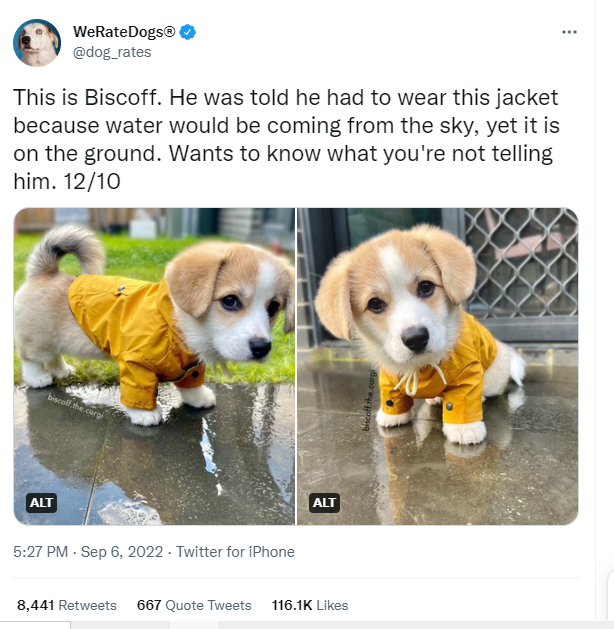
The WeRateDogs Twitter archive contains basic tweet data for all 5000+ of their tweets, but not everything. One column the archive does contain though: each tweet's text, which I used to extract rating, dog name, and dog "stage" (i.e. doggo, floofer, pupper, and puppo) to make this Twitter archive "enhanced." Of the 5000+ tweets, Udacity instructors has filtered for tweets with ratings only (there are 2356).
-
The tweet image predictions Use the Requests library to download the tweet image prediction (image_predictions.tsv) collected by Udacity instructors who ran every image in the WeRateDogs Twitter archive through a neural network that can classify breeds of dogs*. The results: a table full of image predictions (the top three only) alongside each tweet ID, image URL, and the image number that corresponded to the most confident prediction (numbered 1 to 4 since tweets can have up to four images)
-
Twitter API Gather each tweet's retweet count and favorite ("like") count at the minimum and any additional data you find interesting. Using the tweet IDs in the WeRateDogs Twitter archive, query the Twitter API for each tweet's JSON data using Python's Tweepy library and store each tweet's entire set of JSON data in a file called tweet_json.txt file.
Each tweet's JSON data should be written to its own line. Then read this .txt file line by line into a pandas DataFrame with (at minimum) tweet ID, retweet count, and favorite count
After gathering the data, the three tables were saved and assessed Visually and Programmatically. With both the assessments I looked for Unclean data in all the three DataFrames, i.e. for Tidiness and quality issues
Cleaning entails taking the necessary actions to improve the standard and orderliness of our work.
Changing the data to make it suggest something different is not improving quality.Enhancing quality entails correcting errors, eliminating extraneous content, and replacing anything that is missing.
Similar to how tidying up the dataset entails making each variable a column, each observation a row, and each kind of observational unit a table.
I used the Define, Code, and Test method of programmatic data cleaning. In order to remedy the problems, I turned my observations from the assess step into defined problems, complex code, and tested the three datasets to ensure that the fixes were successful.
Save gathered, assessed, and cleaned master dataset to a CSV file named "twitter_archive_master.csv".
Follow through in the notebook and I hope you'll love it.
Thanks! 🤗